


Switch Symbols TTF Font
£10.00
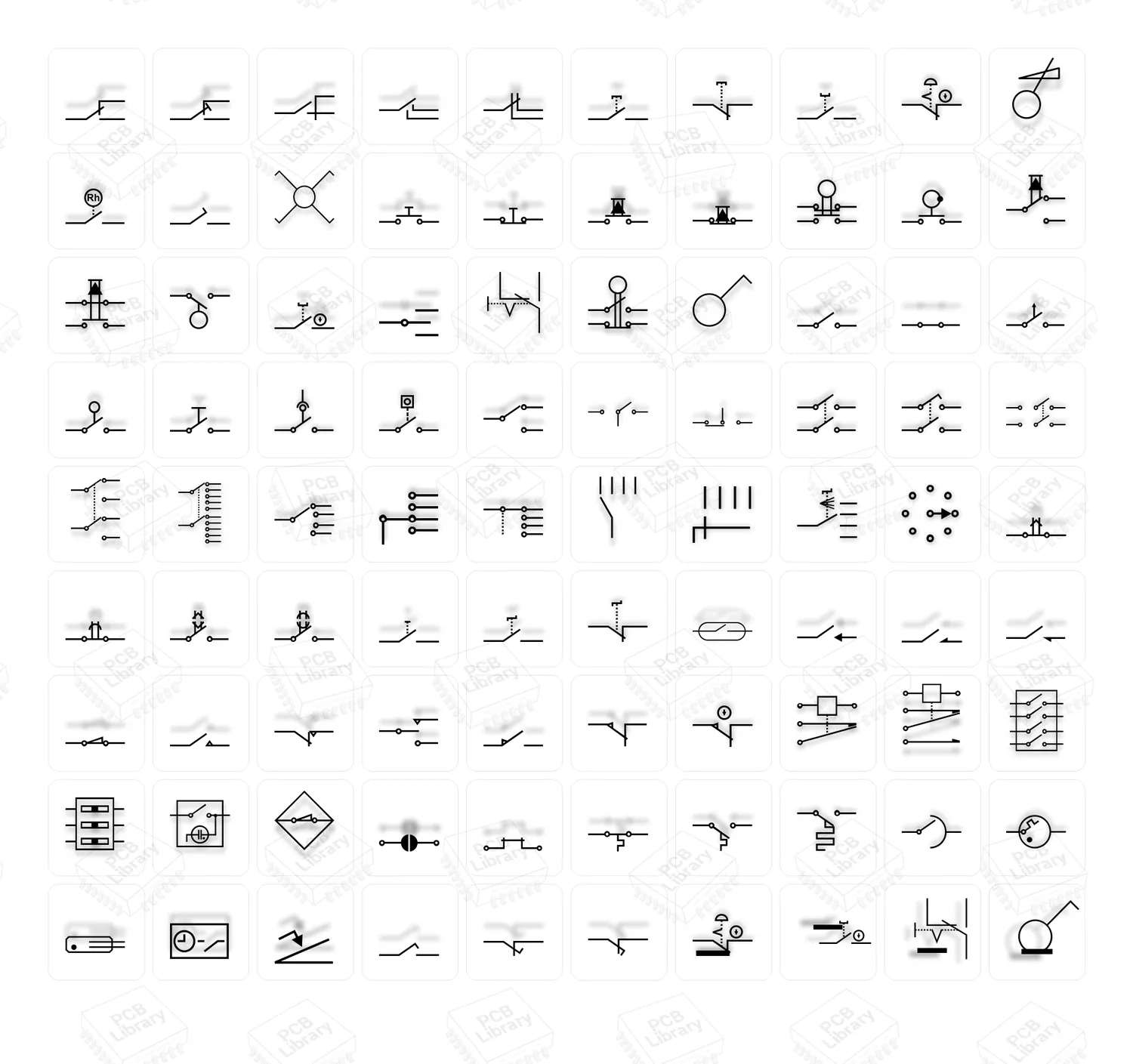
A professional TTF font of switch symbols for PCB silkscreens, front panels, and documentation. Includes dozens of icons for toggle, push, rotary, slide, and selector switches. Optimized for small sizes and works in CAD, EDA, and all design apps.
Description
PCB & Front-Panel Icon Font
Make your PCB silkscreens, front panels, manuals, and UI mockups look clean and consistent with a purpose-built TrueType font of switch symbols. Instead of hunting for SVGs or re-drawing tiny icons, just type the character and get a crisp, scalable switch symbol—perfect at both 1–2 mm silkscreen sizes and high-dpi print.
Highlights
-
Comprehensive set of switch icons: momentary & latching, SPST/SPDT/DPDT variants, push-buttons, toggles, slide & rotary, DIP & tactile styles, on/off states, NO/NC, multi-position selectors, and more.
-
Optimized for PCB silkscreen: balanced stroke weights, tight spacing, and pixel-hinted shapes for legibility at small sizes.
-
Fast workflow: symbols are mapped to keyboard characters (Wingdings-style) so you can place icons anywhere text is allowed.
-
Vector crispness everywhere: scale without loss in CAD, EDA, DTP, and design tools.
-
Consistent look across documents, gerbers (via outlines), panel engravings, datasheets, stickers, and UI mockups.
Perfect for
-
PCB silkscreen legends and reference graphics
-
Front-panel markings (print, laser, CNC, UV)
-
Assembly guides, datasheets, manuals, and training materials
-
UX wireframes and schematic notes
-
Quick icons in CorelDRAW, Illustrator, Figma, office apps, and EDA exports
What’s inside
-
ALO Switch Symbols — Regular (TTF)
-
Curated switch families with open/closed, pressed/released, multi-throw, and multi-pole variants
-
Clear baseline alignment and consistent visual weight for mixed layouts
-
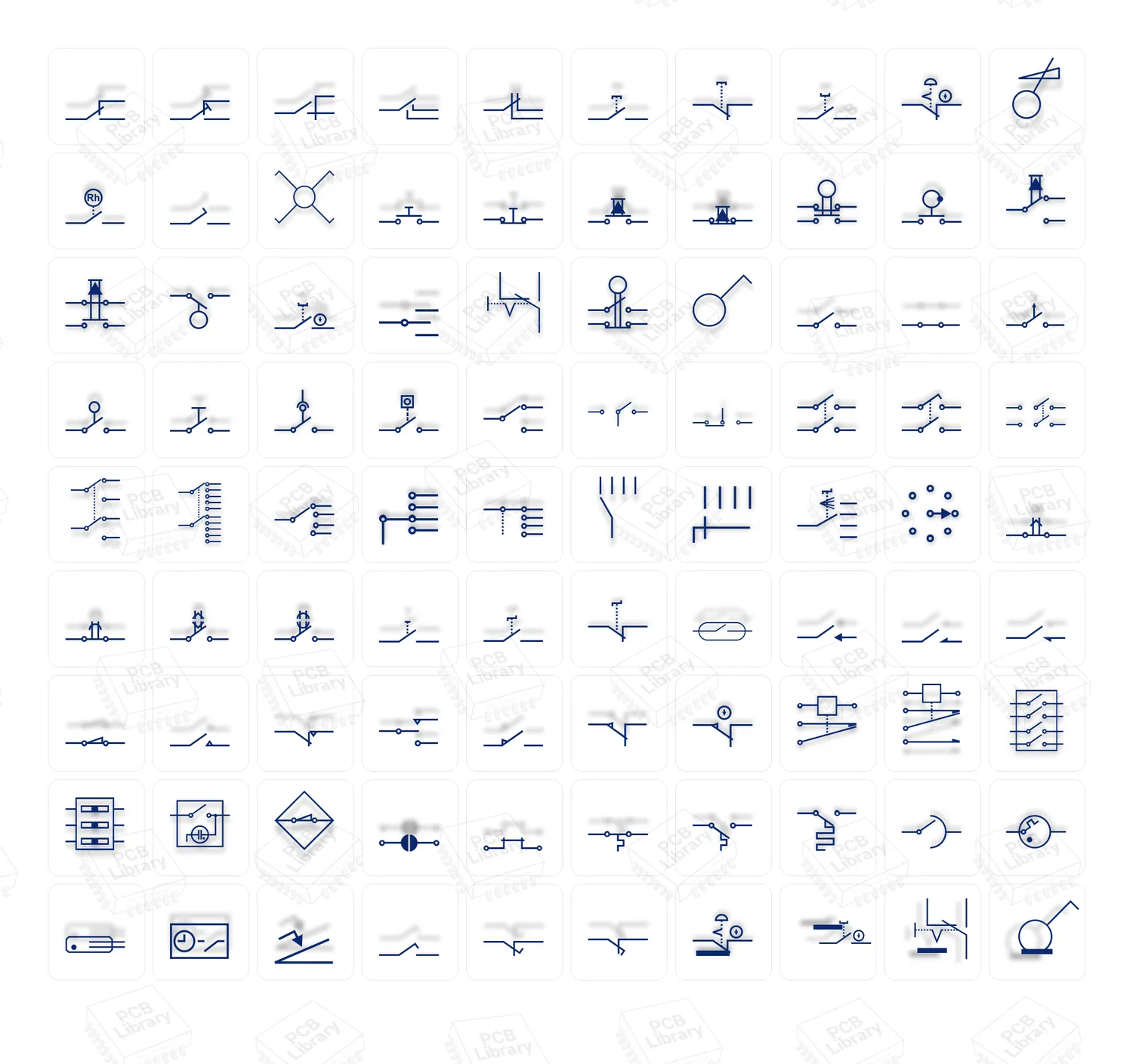
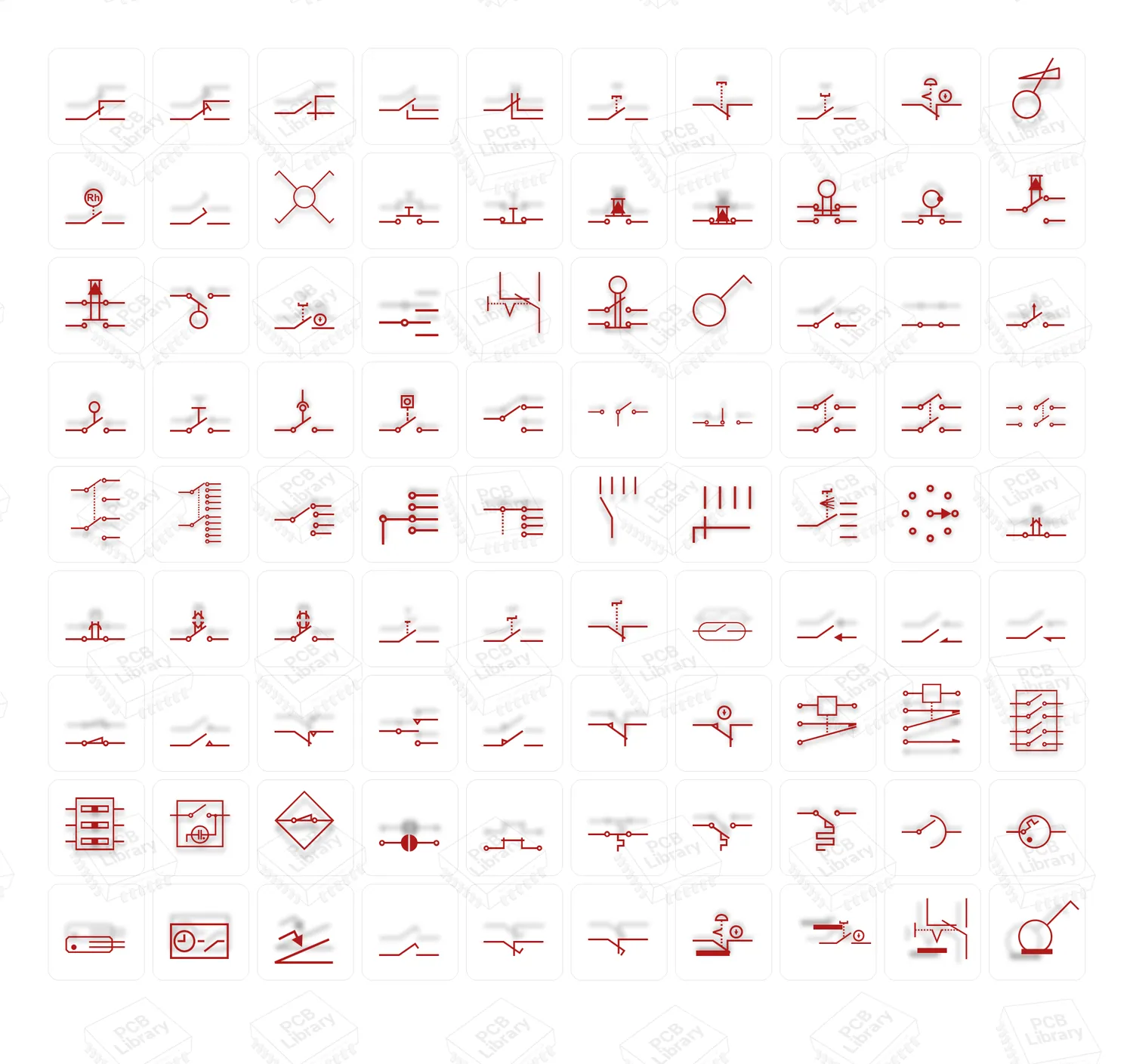
Watermarked preview sheet included for quick browsing
Note: This is a symbol font (like Wingdings). Characters produce icons rather than letters.
Technical Specs
-
Format: TTF (TrueType)
-
Glyph style: single-color vector; optimized for small sizes
-
OS support: Windows, macOS, Linux
-
App compatibility: Any app that supports TTF fonts. Works great in CorelDRAW, Adobe apps, Affinity, Figma, Office, InkScape, and most EDA/CAD text engines (export as curves/outlines for CAM).
Licensing
-
Standard desktop/commercial license for one user included with purchase.
-
You can use the icons in commercial projects (PCBs, panels, prints, PDFs, images, videos).
-
Redistribution of the font file itself is not permitted.
-
Need a multi-seat or embedding license? Contact us for team/extended options.
How to use (quick start)
-
Install the TTF (double-click → Install).
-
Select ALO Switch Symbols in your app’s font list.
-
Type characters to insert icons.
-
Convert to curves/outlines before manufacturing or CAM export (recommended).
-
Adjust size like regular text; keep stroke consistency by scaling uniformly.
FAQ
Will it work in my EDA tool?
Yes—anywhere you can place text. For gerbers/CAM, convert text to curves/outlines on export.
Are the icons editable?
Yes—after converting text to curves you can edit nodes like any vector.
Can I request a new symbol or variant?
Absolutely. Send your request and we’ll prioritize popular additions in updates.
What you get
-
✅ ALO Switch Symbols — Regular (TTF)
-
✅ Preview/cheatsheet image
-
✅ Free updates for minor revisions of this font
Bring order and clarity to every legend and panel—type your symbols instead of drawing them.
Looking for general schematic icons? Check out our Electrical Symbol TTF Font.
Related products
-
- -33%
- Fonts
ALO Electronics FONT
- Original price was: £18.00.£12.00Current price is: £12.00.
- Add to basket



Reviews
There are no reviews yet.